Troubleshooting
If you get stuck, ask the people around you or ask Claude Code!
Jina AI is unavailable due to quota limits
Section titled “Jina AI is unavailable due to quota limits”Symptom: From 1. Create an Agent in the Console onward, the agent’s Jina AI tool calls fail. This happens when you have used up the free token allowance or hit a rate limit.
Fix: Use the Firecrawl MCP server instead of Jina AI. Firecrawl also connects via “Bearer token + custom URL”, so once you have a Firecrawl API key, you only need to substitute three things in the material.
Sign up for Firecrawl and get an API key
Section titled “Sign up for Firecrawl and get an API key”-
Open https://www.firecrawl.dev/ and click “Sign up”.

-
Make sure the “Sign Up” tab is selected, then create an account using whichever method you prefer.
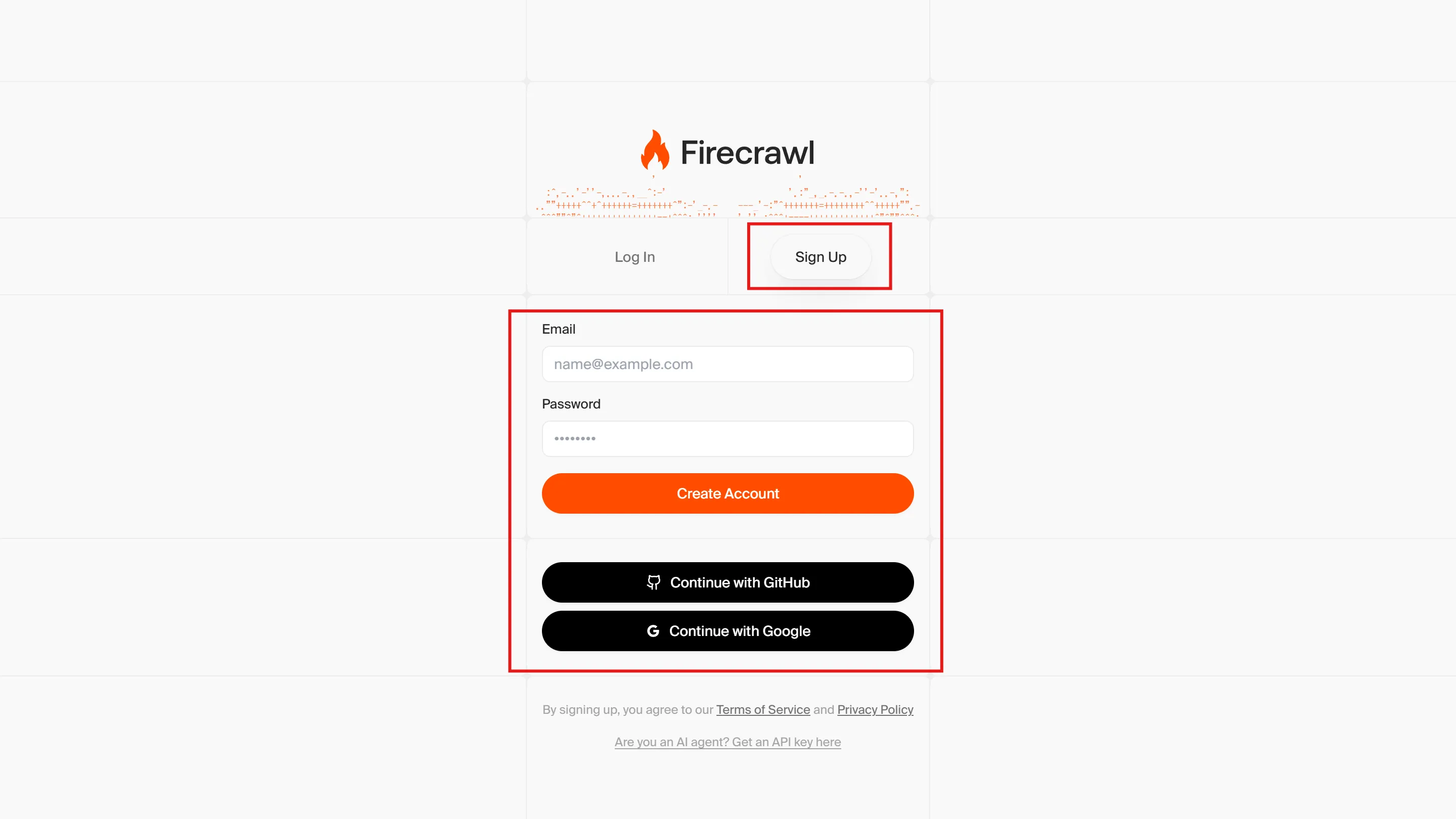
-
Work through the wizard.
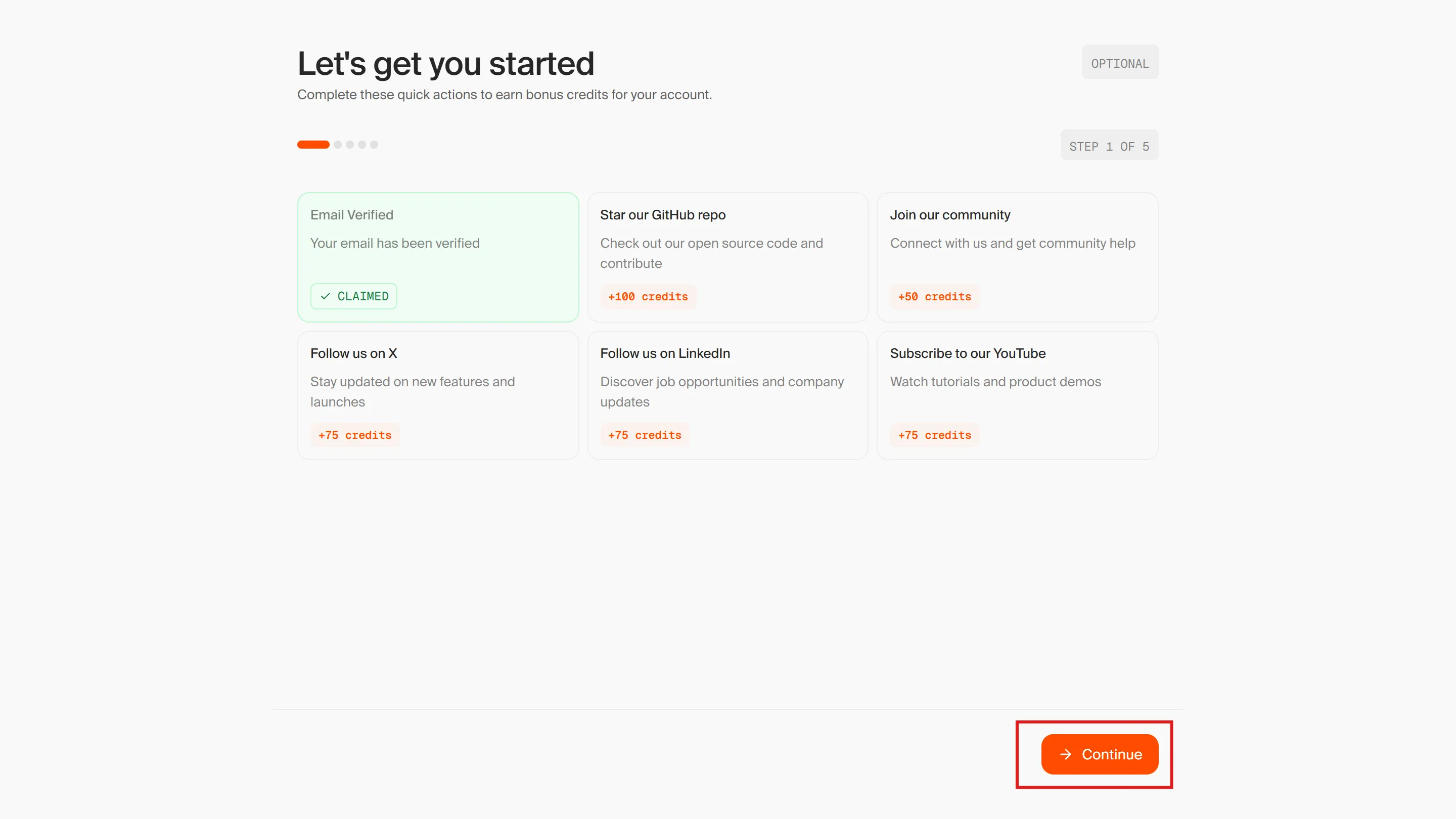
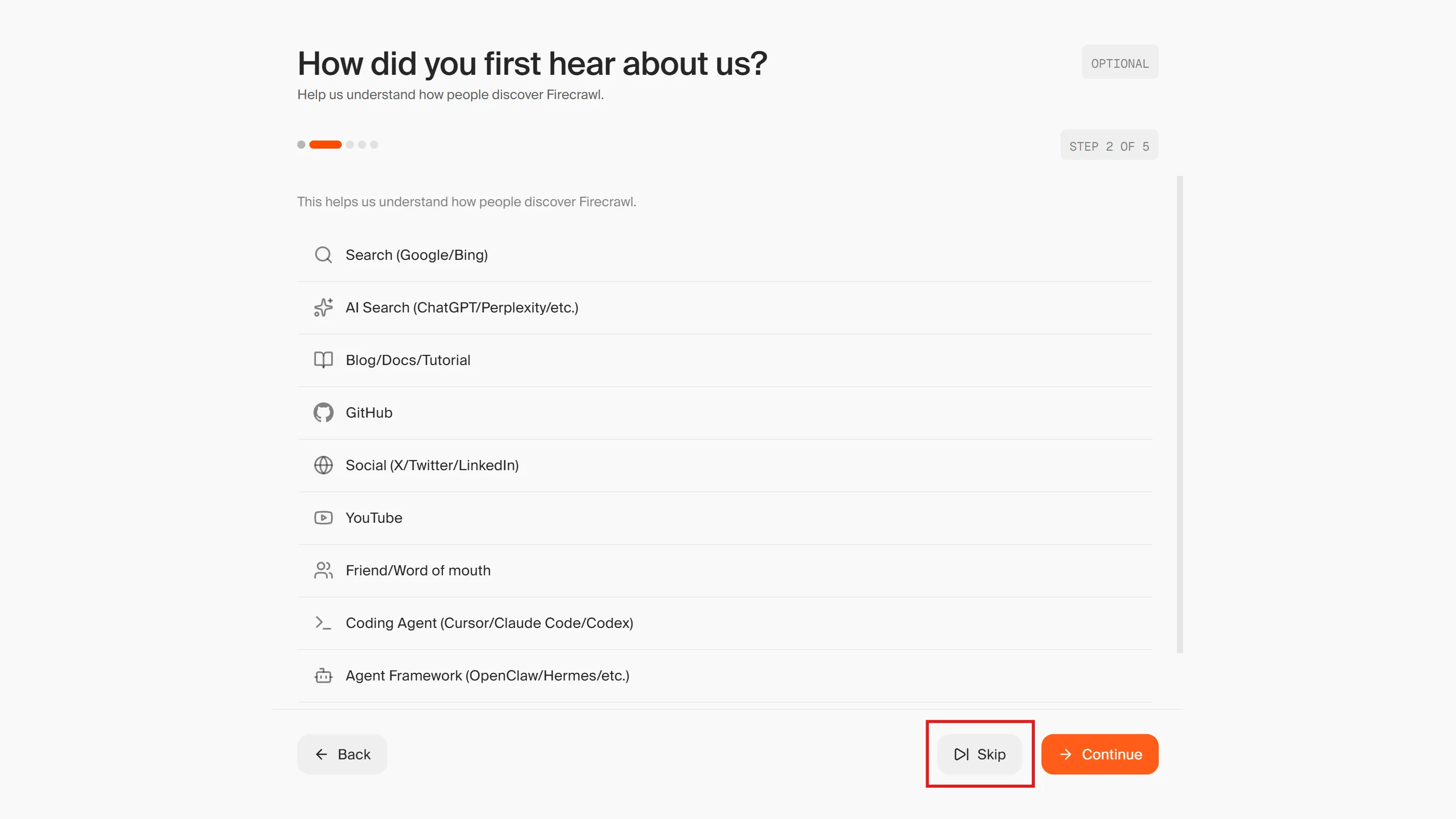
-
Review the terms of service and tick the checkbox.
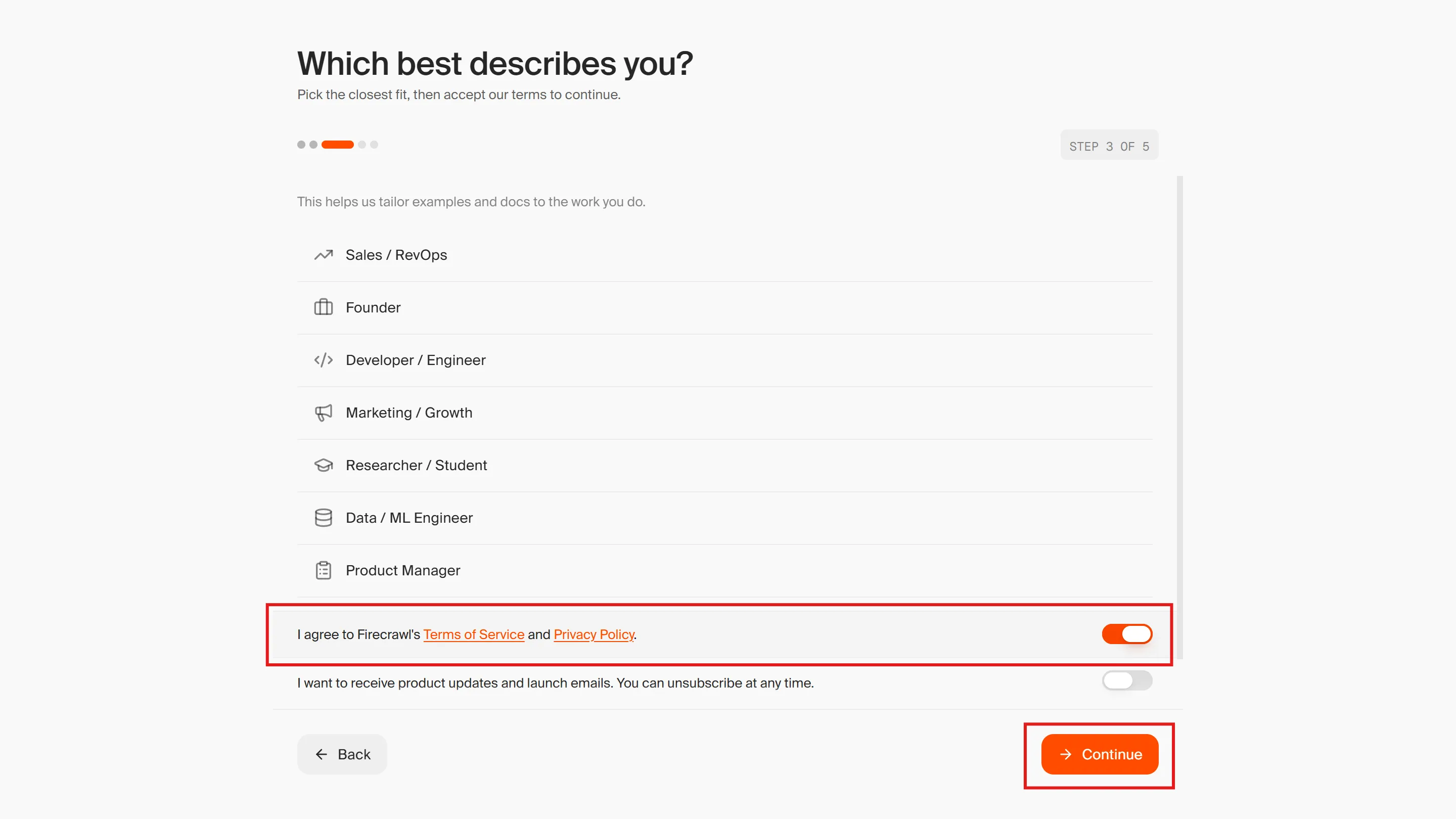
-
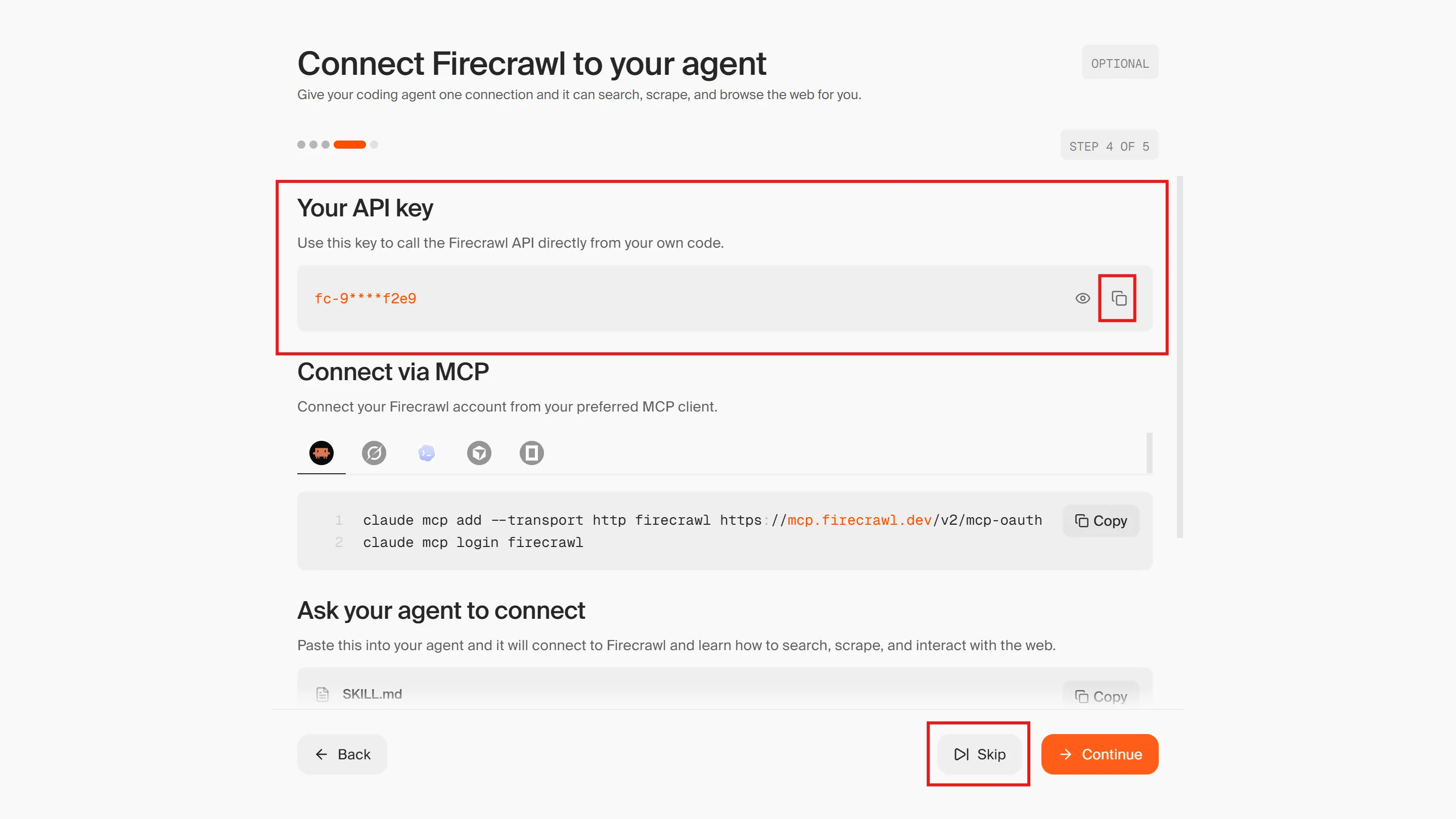
Copy the API key.
The three substitutions
Section titled “The three substitutions”| Item | Jina AI | Firecrawl |
|---|---|---|
| Where to get the API key | https://jina.ai/ | https://www.firecrawl.dev/ |
| MCP server URL | https://mcp.jina.ai/v1 | https://mcp.firecrawl.dev/v2/mcp |
| Tool names | search_web / read_url / search_arxiv, etc. | firecrawl_search / firecrawl_scrape / firecrawl_parse / firecrawl_map / firecrawl_crawl |
The credential type in the vault (Bearer token), the environment setting (Allow network access to MCP servers), and the way you create a session are all exactly the same as with Jina AI.
Agent definition (Firecrawl version)
Section titled “Agent definition (Firecrawl version)”In “4. Create an Agent” on 1. Create an Agent in the Console, paste the following instead of the original YAML.
name: Firecrawl Web Research Agentmodel: id: claude-haiku-4-5 speed: standarddescription: A demo agent for web search and page reading using the Firecrawl MCP server.system: You are a research assistant that makes full use of Firecrawl's search and reading tools. When you receive a question, first use firecrawl_search to find relevant sources, then use firecrawl_scrape to fetch the full text of the promising results. Do not rely on search result snippets alone. You can read documents such as PDFs with firecrawl_parse. Combine information from multiple sources, cite the URLs you used, and clearly flag anything uncertain or contradictory. If you are asked to summarize a specific page or extract facts from it, read that page directly with firecrawl_scrape. Keep your answers concise and well organized, and base them on the content you retrieved rather than on prior knowledge.mcp_servers: - name: firecrawl type: url url: https://mcp.firecrawl.dev/v2/mcptools: - configs: [] default_config: enabled: true permission_policy: type: always_allow mcp_server_name: firecrawl type: mcp_toolsetskills: []metadata: {}A prompt to verify it works
Section titled “A prompt to verify it works”Firecrawl has no equivalent of search_arxiv, so the material’s “Search for the latest papers on RAG” will not work as expected. Use this instead.
Look up the latest news about Claude Managed Agents and summarize it with source URLs.Substitutions for Intermediate 2 onward and Advanced
Section titled “Substitutions for Intermediate 2 onward and Advanced”Later pages also contain code that assumes Jina AI. If you are using Firecrawl, substitute the following.
- On 2. Create an Agent with the CLI, 3. Create an Agent with the SDK, and 5. Build an Agent Team, change
mcp_server_url/urltohttps://mcp.firecrawl.dev/v2/mcp, and change thenameinmcp_serversand themcp_server_namein the tool config tofirecrawl - Do not forget to replace the
systemprompt as well. The system prompts on 02_ant.mdx, 03_sdk.mdx, and 05_team.mdx name Jina AI tools such assearch_webandread_urlexplicitly. If you leave them as-is, the connection will succeed but the agent will try to call tools that do not exist and fail. Use thesystemtext in the Firecrawl YAML above as a reference - Display names (
Jina-ai-cli,Jina-ai-sdk, etc.) can be anything you like