3. Exercise – Build Your Own Agent
So far, you have experienced two ways to build an agent: creating one from a template and creating one by describing what you want in chat. In this exercise, use the same flow you have learned to build an agent from your own idea.
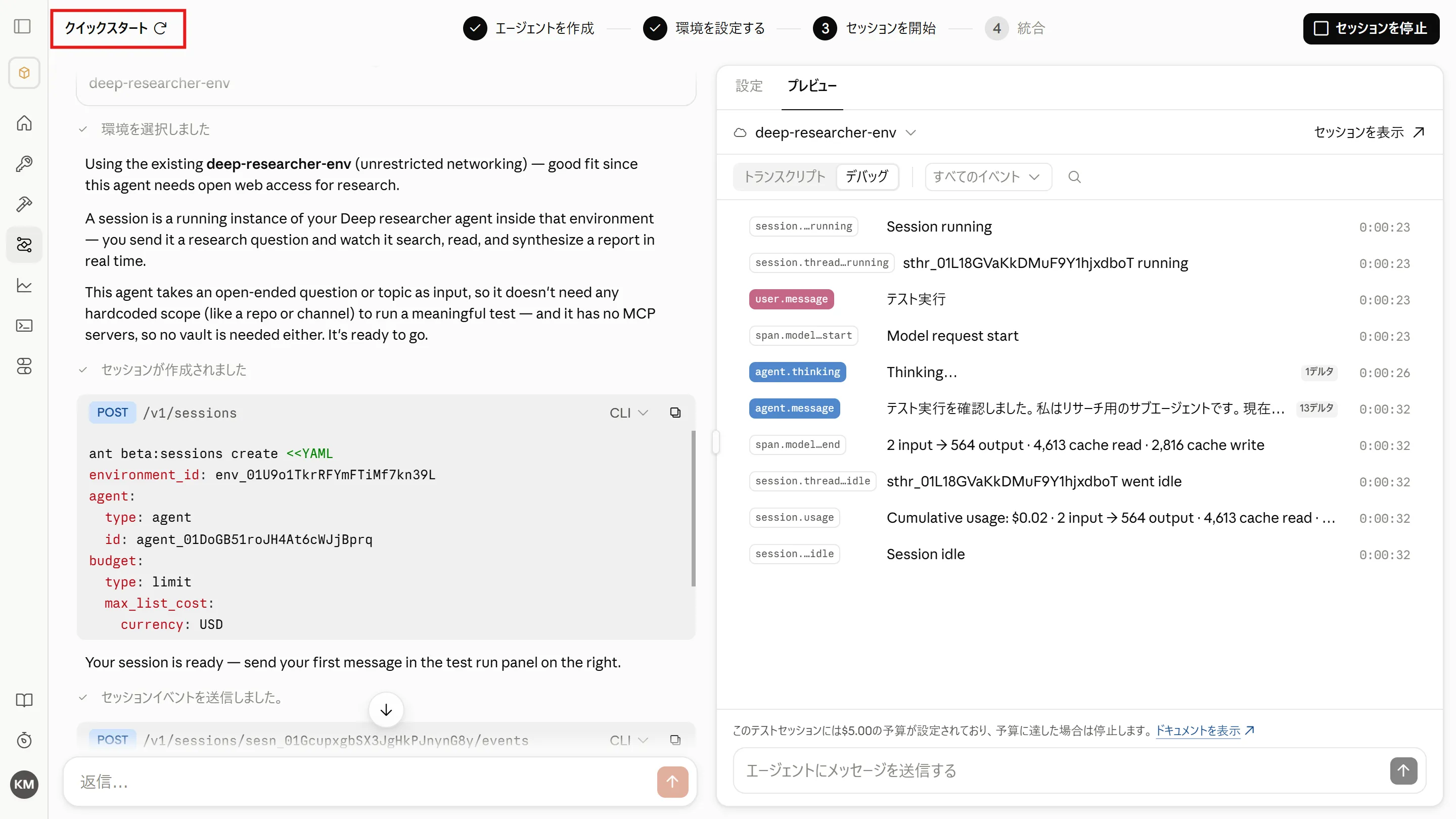
Click “Quickstart” to start creating a new agent.
Recap: The Two Approaches
Section titled “Recap: The Two Approaches”| Approach | Best suited for |
|---|---|
| Create from a template | When you want to start from a standard setup and adjust it bit by bit |
| Create from scratch via chat | When you already know exactly what you want to build |
In either case, the flow after creation is the same: create the agent → configure the environment → test in a session → fine-tune via chat.
A Pattern for Good Instructions
Section titled “A Pattern for Good Instructions”When creating an agent from scratch via chat, covering the following three points makes it much more likely the agent behaves as intended.
- Role — what the agent does (e.g. “a learning assistant that …”, “a researcher that investigates …”)
- Rules — behavior and output format (as bullet points, e.g. “ask one question at a time”, “always include source URLs”)
- External connections — the URL of the MCP server you want to use (only if needed)
The prompt used on page 2 follows exactly this pattern. Take another look at it.
Try a Challenge
Section titled “Try a Challenge”If you are short on ideas, pick one of the challenges below. You can paste the prompts into the chat box as they are.
Challenge 1: Osaka Food Guide (Difficulty ★)
Section titled “Challenge 1: Osaka Food Guide (Difficulty ★)”The easiest challenge — it only needs web search.
Create an "Osaka Food Guide" agent that uses web search to research restaurants and food in Osaka.
- Before starting the research, ask the user for the area (Umeda, Namba, etc.) and their preferences (cuisine, budget, time of day).- Recommend three restaurants, each with "why it's recommended", "approximate budget", and "URL of the page you referenced".- If the information may be outdated, add a note saying so.
Challenge 2: Latest News Digest (Difficulty ★)
Section titled “Challenge 2: Latest News Digest (Difficulty ★)”Create an agent that uses web search to find and summarize the latest news on a given topic.
- When given a topic, pick five news items from the past week.- Present each item in the format "headline, three-line summary, source URL".- Finish with a two-to-three-sentence summary of the overall trend across the five items.Challenge 3: AWS Quiz Bot (Difficulty ★★)
Section titled “Challenge 3: AWS Quiz Bot (Difficulty ★★)”A variation on the AZ-900 quiz bot you built on page 2. AWS also provides an official MCP server that requires no authentication (the AWS Knowledge MCP Server), so let’s use it to build an AWS version.
Fetch the latest information from the AWS Knowledge MCP server and create practice questions for the AWS Certified "Cloud Practitioner" (CLF-C02) certification.
https://knowledge-mcp.global.api.aws
- After presenting the question and answer choices, do not reveal the correct answer until the user responds.- After the user answers, tell them whether they were right or wrong, and explain the key point for each answer choice in one line each.- Provide three official AWS documentation URLs that are useful for further study.
Remember the user's answers and focus follow-up questions on their weaker areas.Challenge 4: Your Own Idea (Difficulty ★★★)
Section titled “Challenge 4: Your Own Idea (Difficulty ★★★)”Apply the “pattern for good instructions” and build your own agent from scratch. Here are a few ideas to get you started.
- Meal-planning agent — tell it what’s in your fridge, and it searches the web for recipes and proposes a week of meals
- English interview coach — asks questions in English and gives feedback on the grammar and phrasing of your answers
- Fandom researcher — looks up and summarizes the latest news about your favorite artist or team
Tips for Verifying Behavior
Section titled “Tips for Verifying Behavior”- Use the session’s “Run test” to check whether the responses match your intent.
- When you want to change the behavior, give instructions in the chat pane on the left and the system prompt is updated (the technique you tried in the second half of page 1).
- You can also edit the YAML directly in the “Configuration” tab.
- You can review the agents and sessions you created anytime from the corresponding menus in the console.
Summary
Section titled “Summary”- There are two entry points for building agents — “from a template” and “from scratch via chat” — and both follow the same agent → environment → session flow.
- Give instructions as the three-part set of role, rules, and external connections, and the agent is much more likely to behave as intended.
- Once built, verify the behavior with “Run test” and fine-tune via chat. Repeating this cycle is how you grow your agent.
Great work! Please share your thoughts so far in a post on X.
Share your thoughts on X