Preparation
First, complete the following preparation steps.
1. Create a Claude Platform Account
Section titled “1. Create a Claude Platform Account”-
Go to platform.claude.com and create an account. You can sign up with a Google account or an email address.
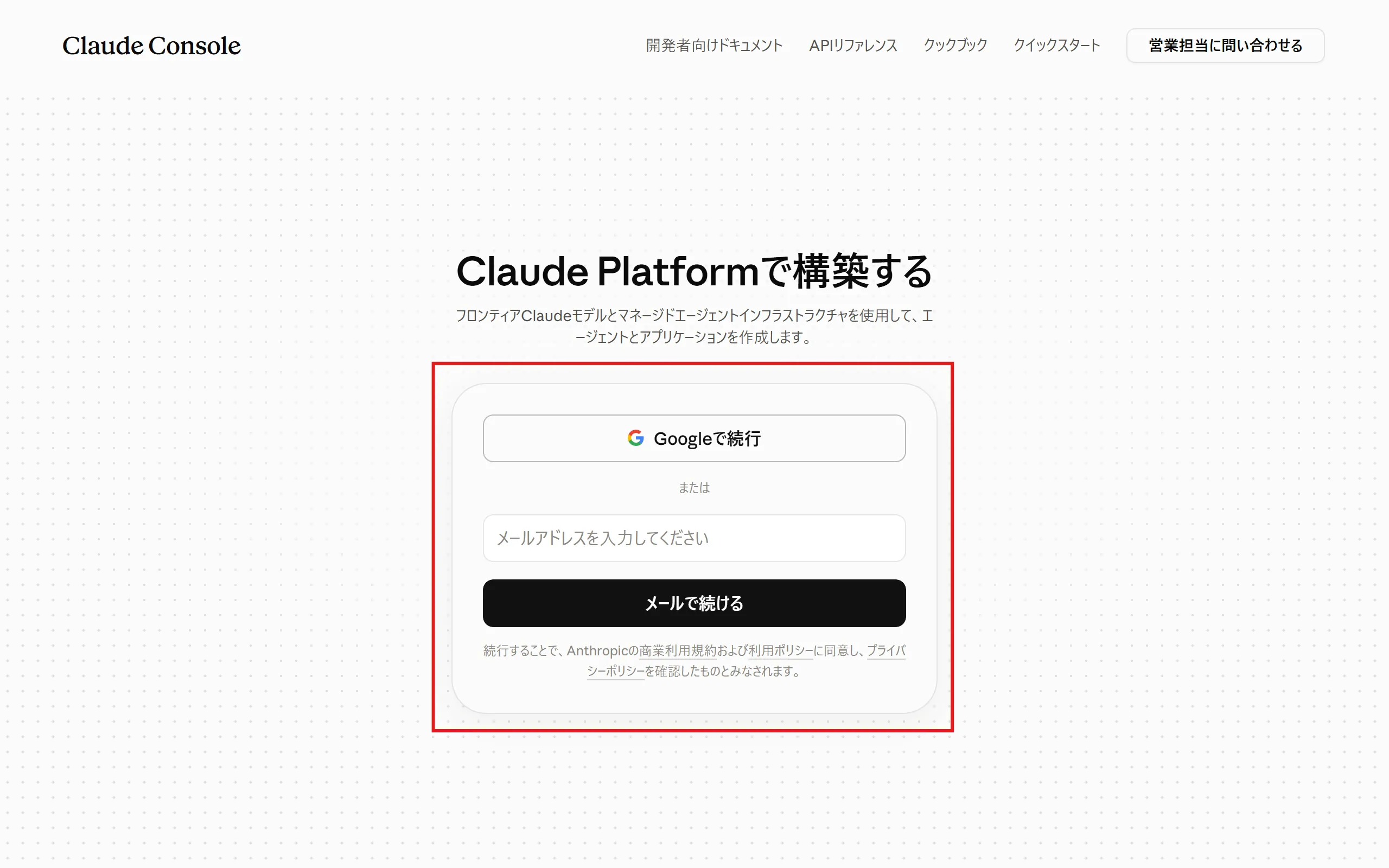
-
Enter your name and other details.
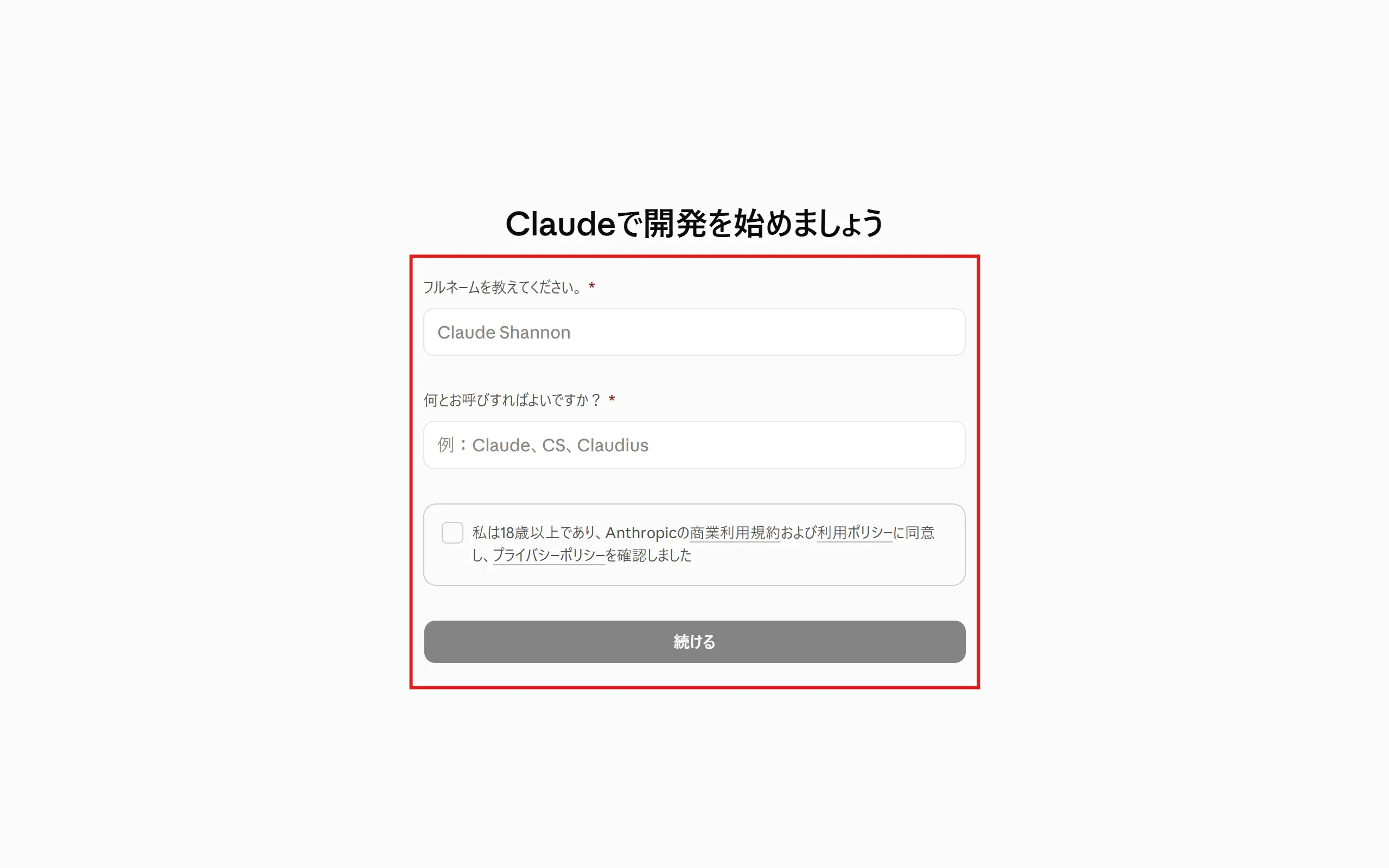
-
Select “Skip for now”.
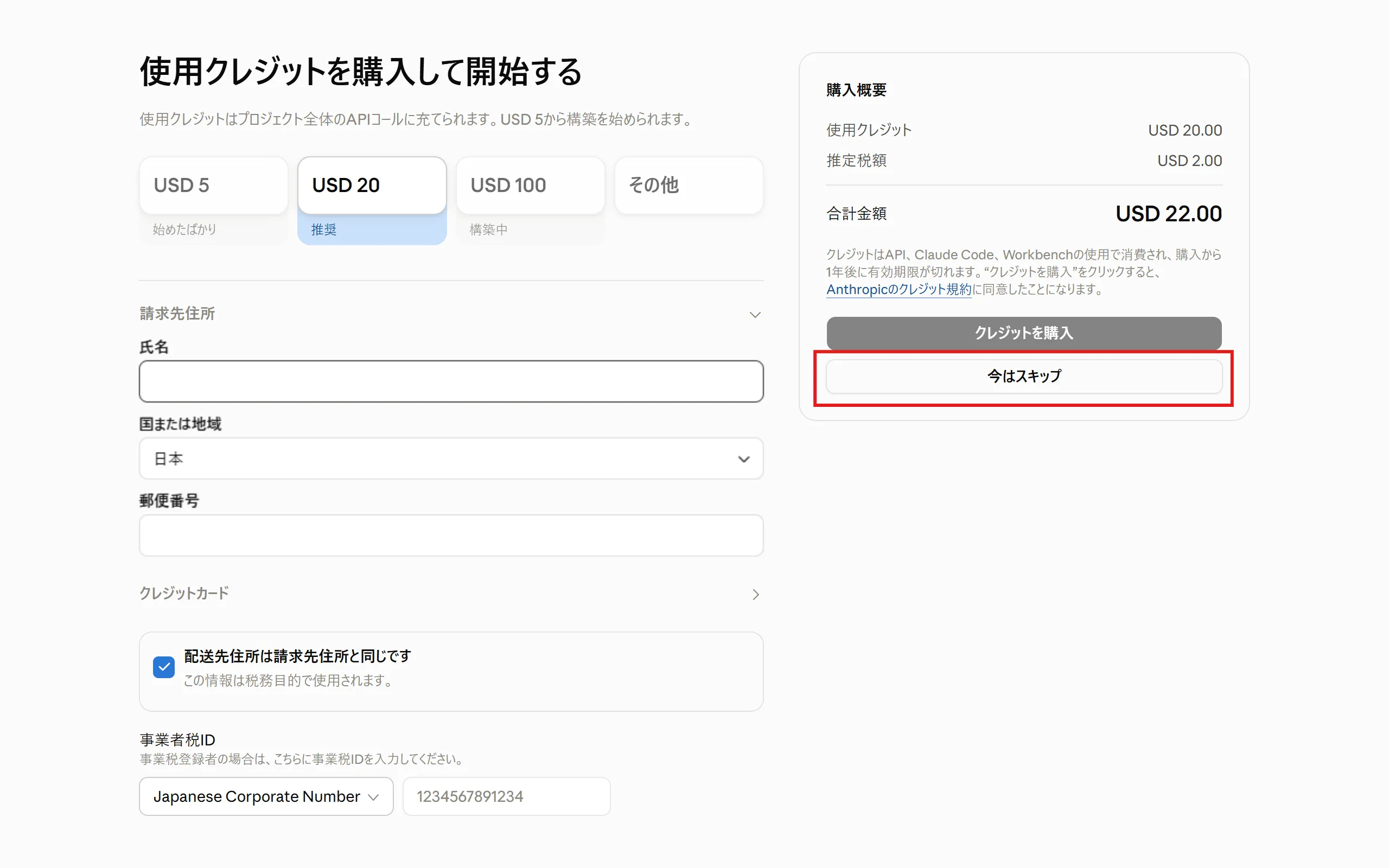
-
Your account has been created.
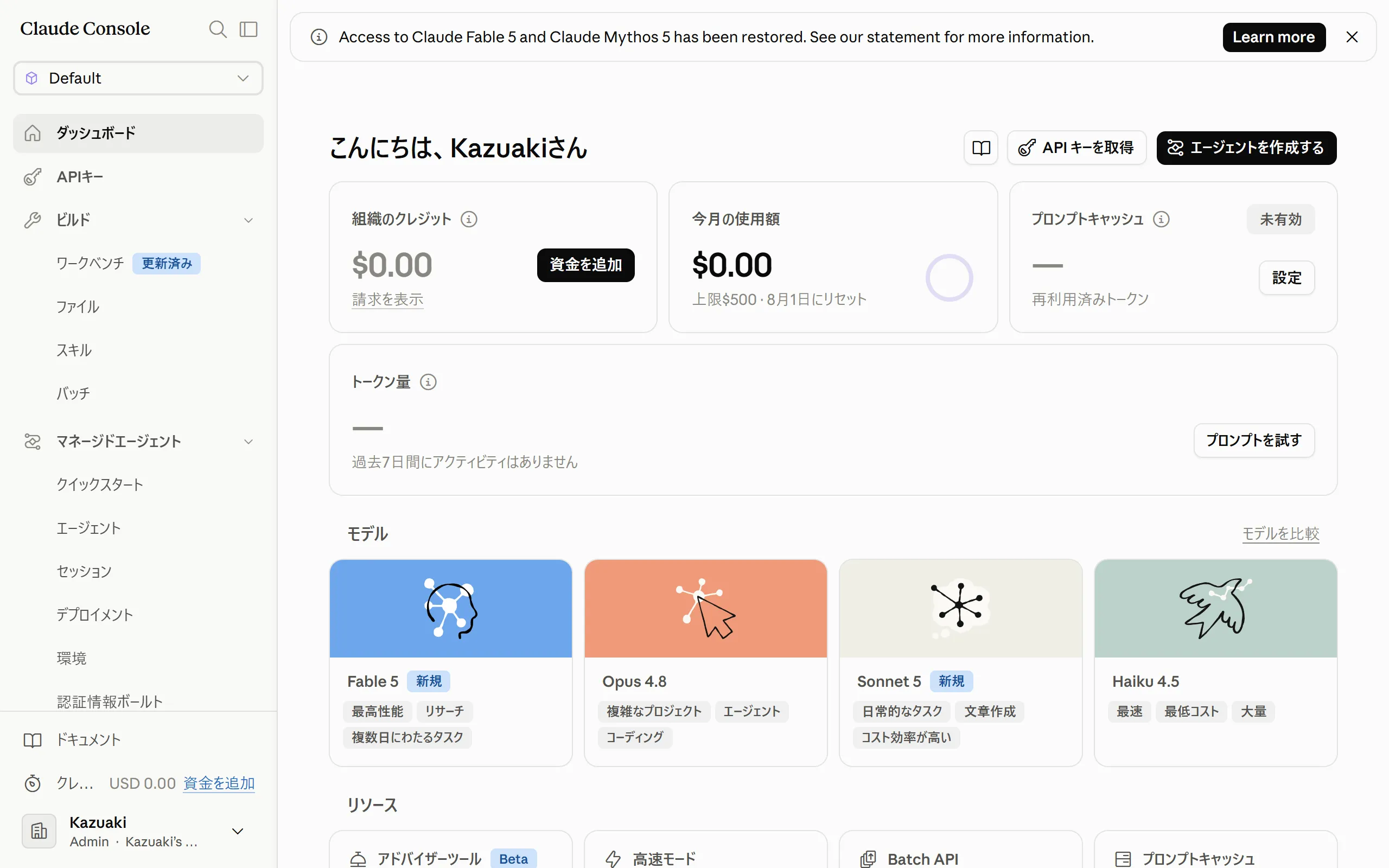
-
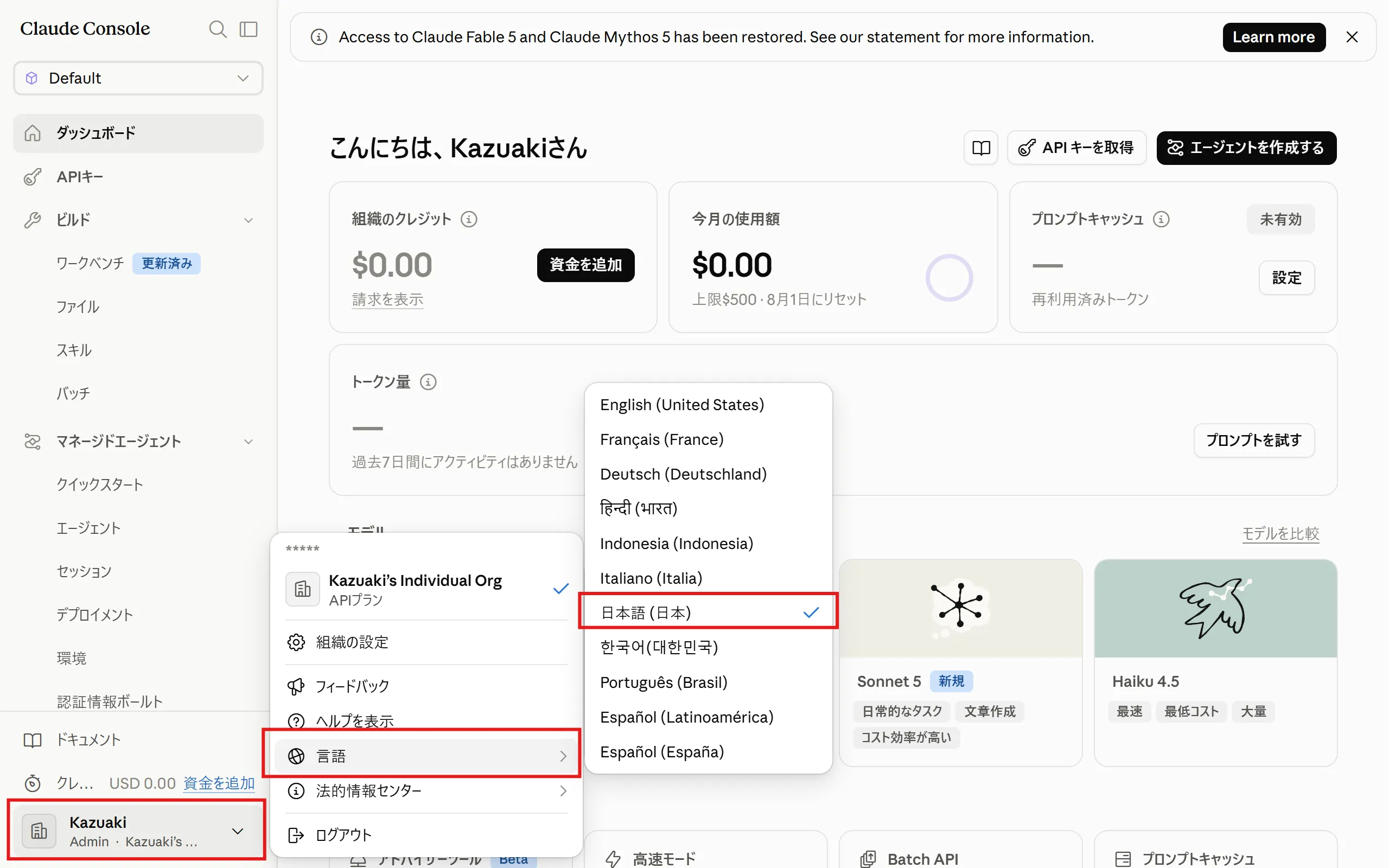
You can change the display language here.
2. How to Add API Credits
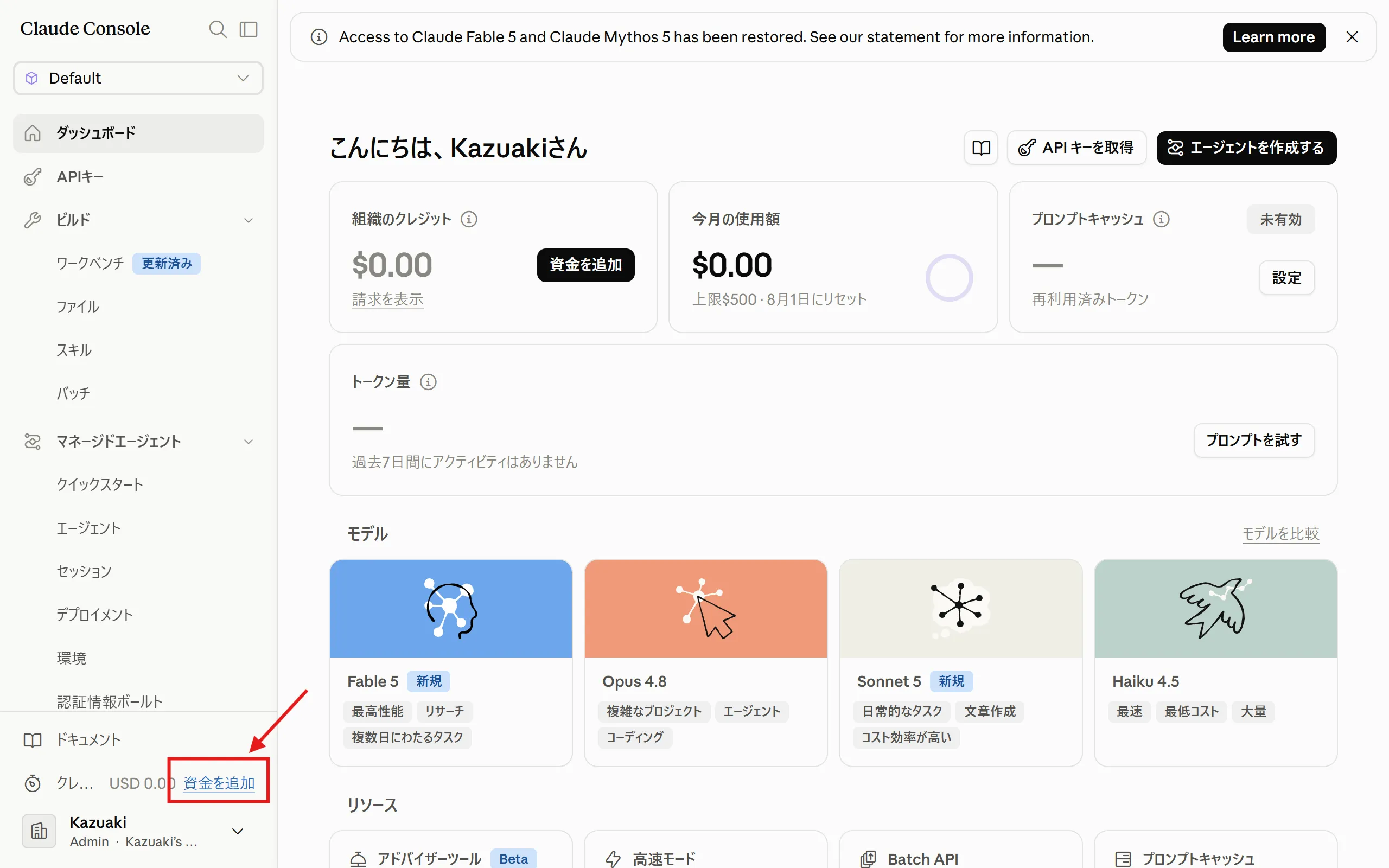
Section titled “2. How to Add API Credits”Managed Agents is used via the API, so you need API credits (a prepaid usage balance).
-
Click “Add funds” at the bottom left of the screen.
-
Register a credit card and purchase credits.
-
Make sure you are signed in to the Claude Platform.
-
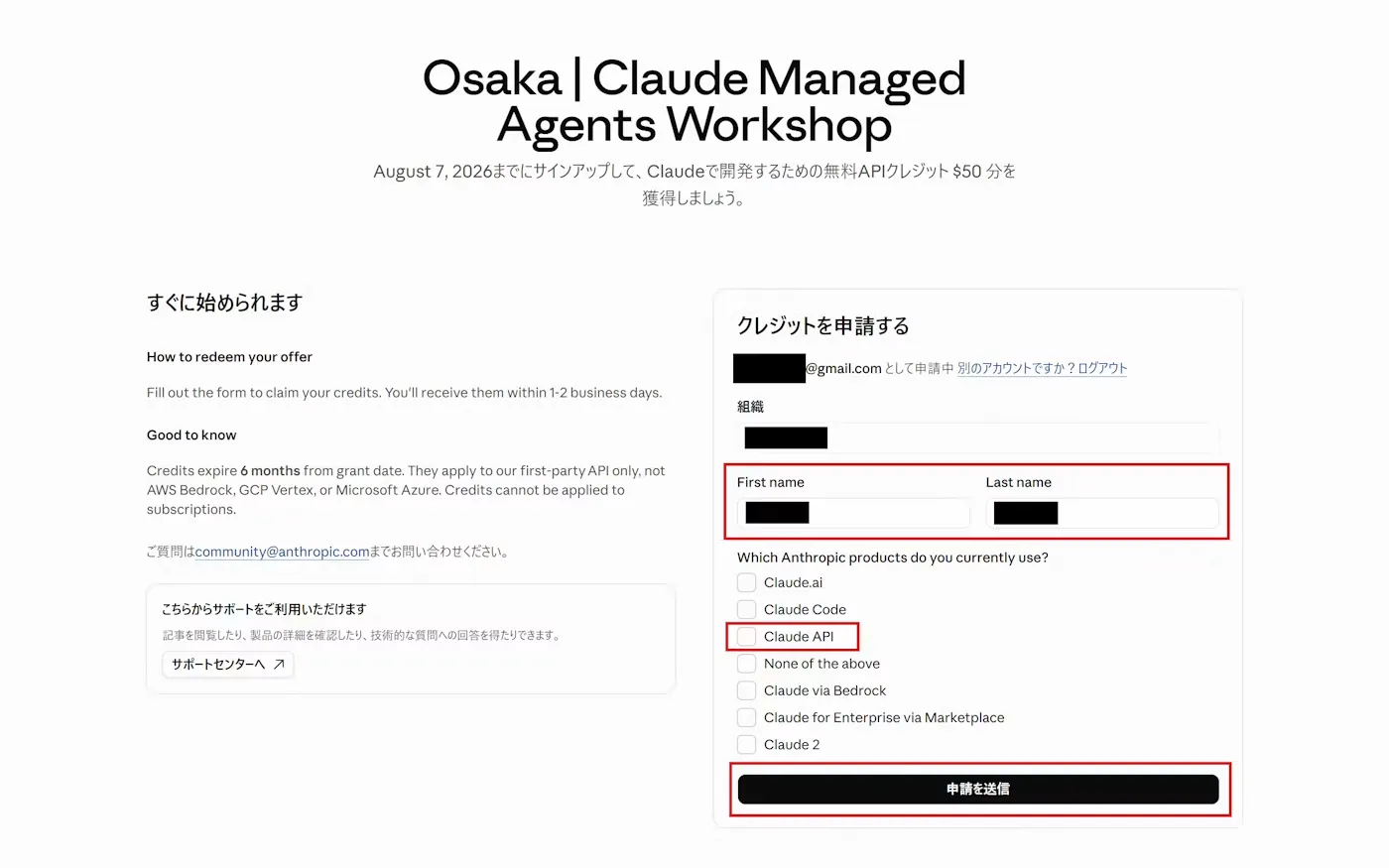
Open the URL that is shared during the workshop.
-
Check that the email address and organization name are correct, and enter your First name and Last name. Under “Which Anthropic products do you currently use?”, check “Claude API”, then click “Submit request”.
-
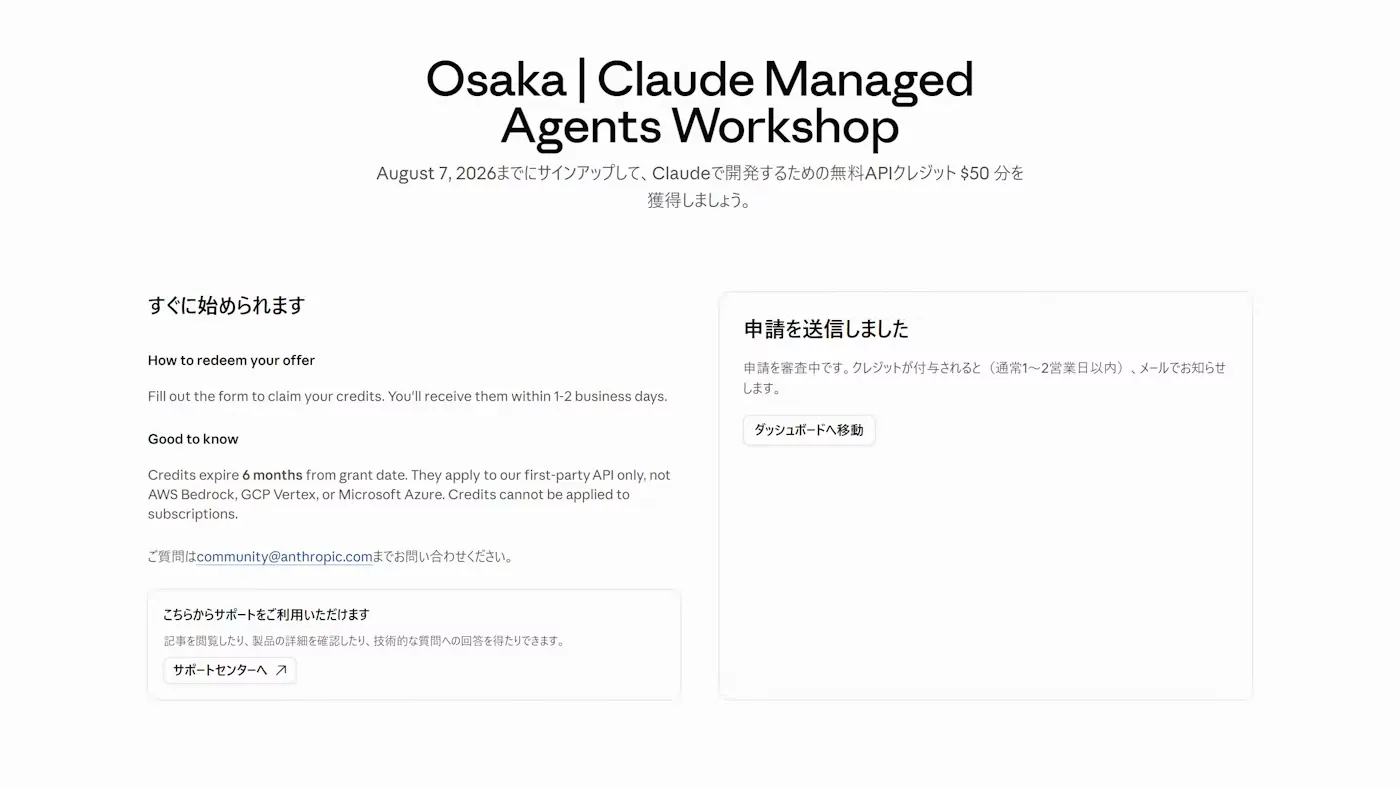
A confirmation screen appears. Your request is reviewed, and you will get an email once the credits are granted.
3. Set a Spending Limit
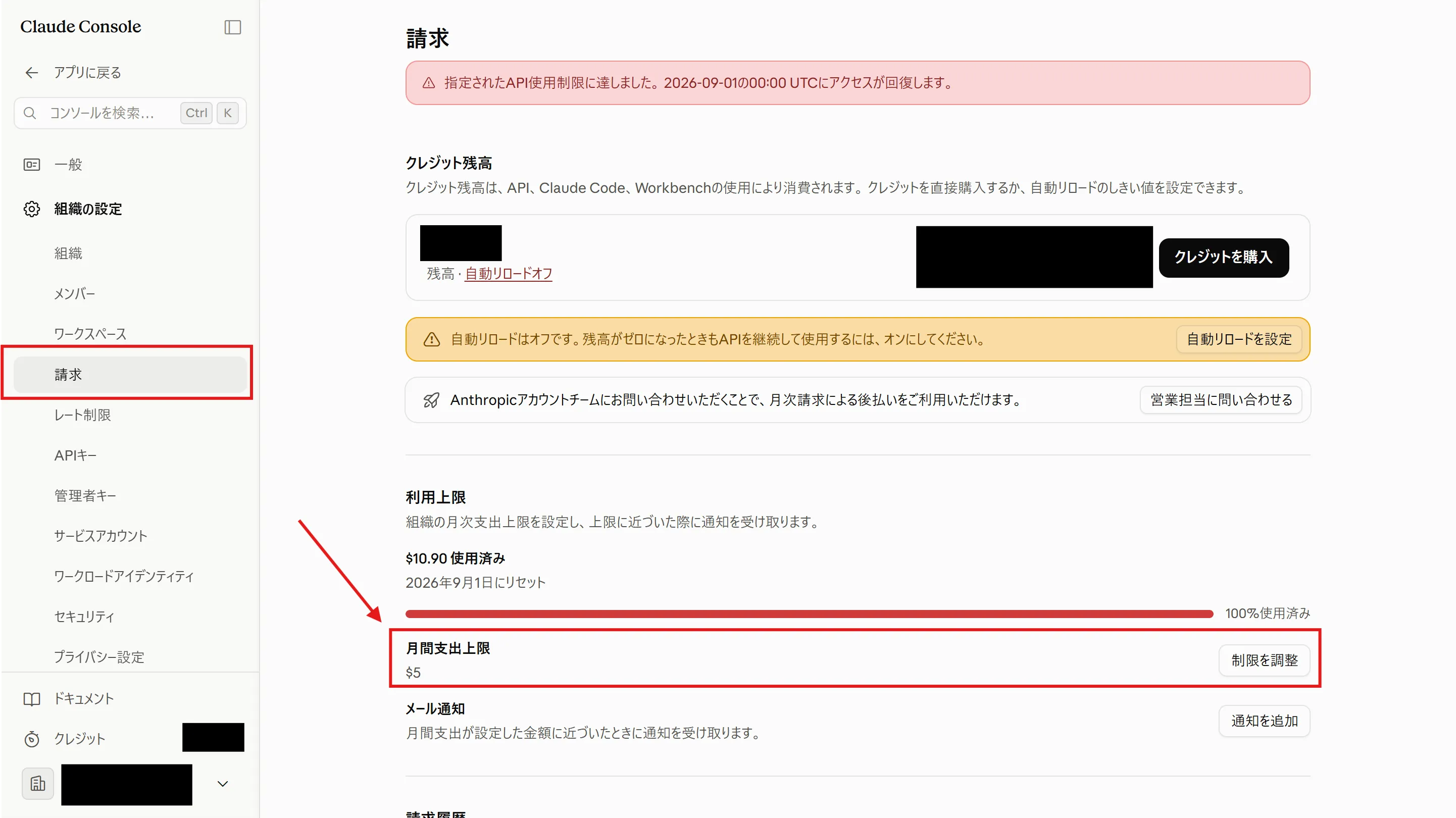
Section titled “3. Set a Spending Limit”To prevent unexpected charges, set a spending limit.
-
Click the “Billing” menu inside “Organization settings”.
-
Click “Adjust limit” under “Monthly spend limit” and set the limit.
4. Create a Workspace
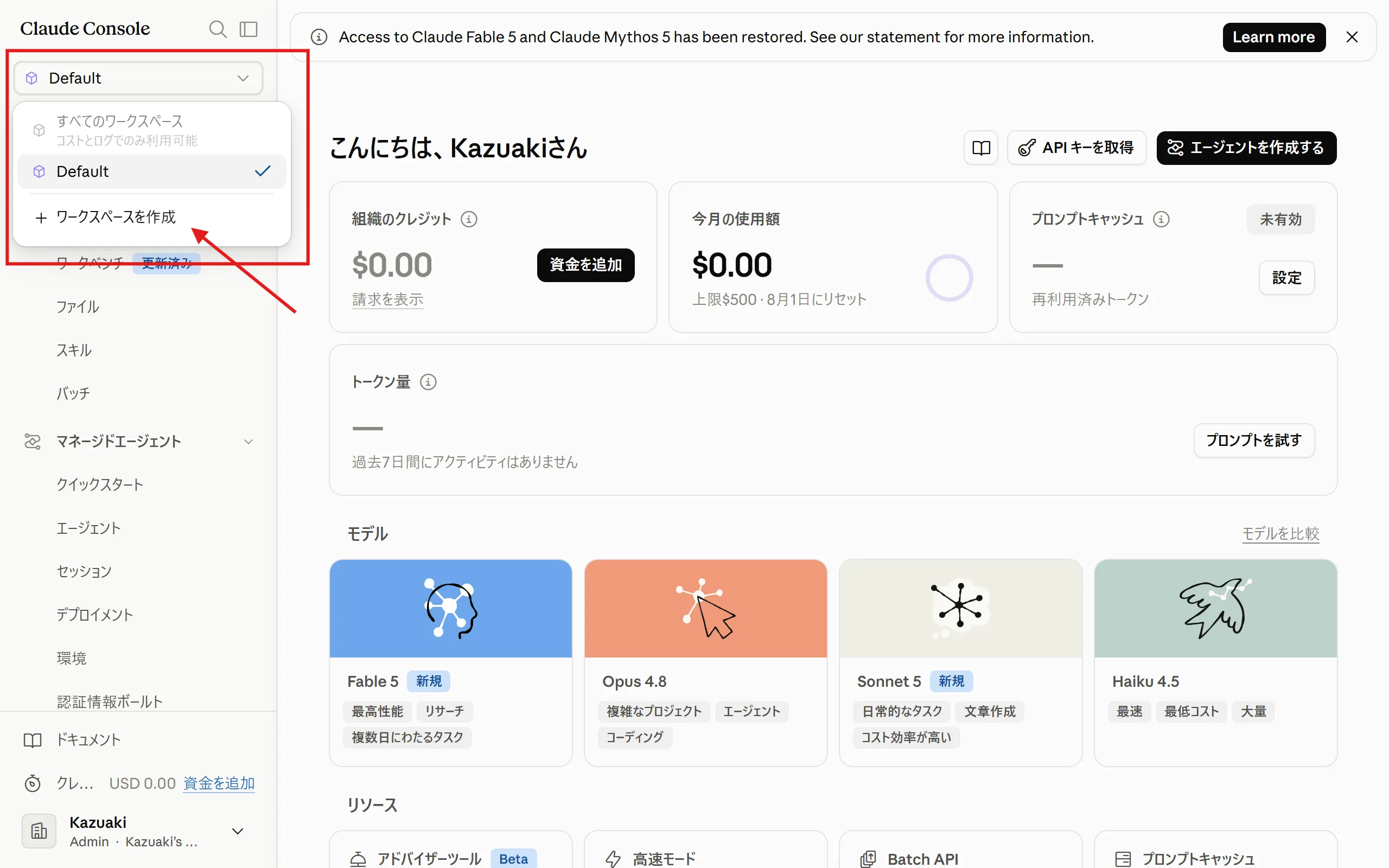
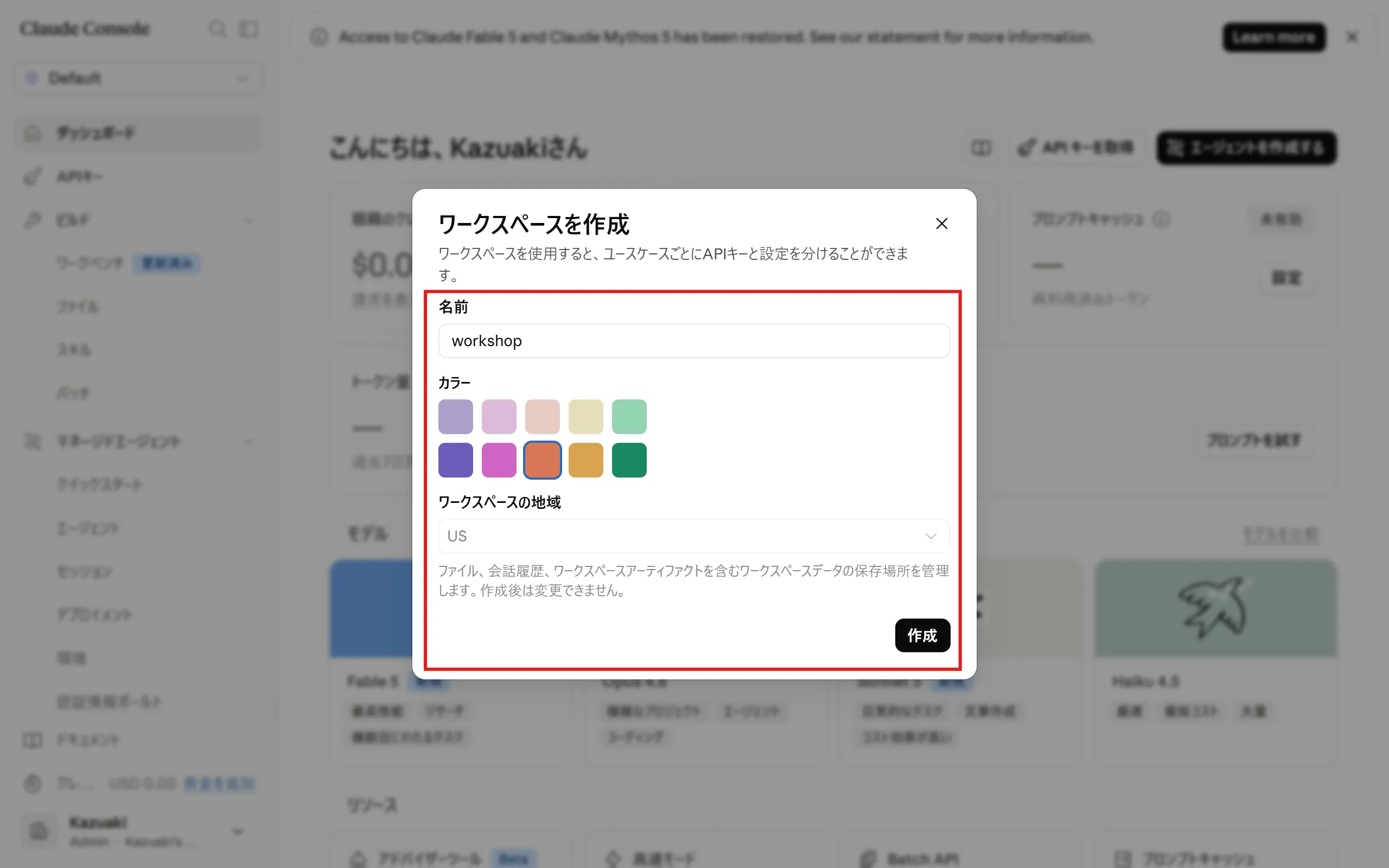
Section titled “4. Create a Workspace”Create a workspace.
-
Click the workspace selector at the top left of the screen, then click “Create workspace”.
-
Enter a name and color, then click “Create”.
5. Prepare an Editor
Section titled “5. Prepare an Editor”From the intermediate section onward, you will edit code and configuration files. Any editor you normally use is fine. If you have no particular preference, we recommend Visual Studio Code.